Fabtech Solutions

FabTech Solutions runs its parts pipeline on automation.

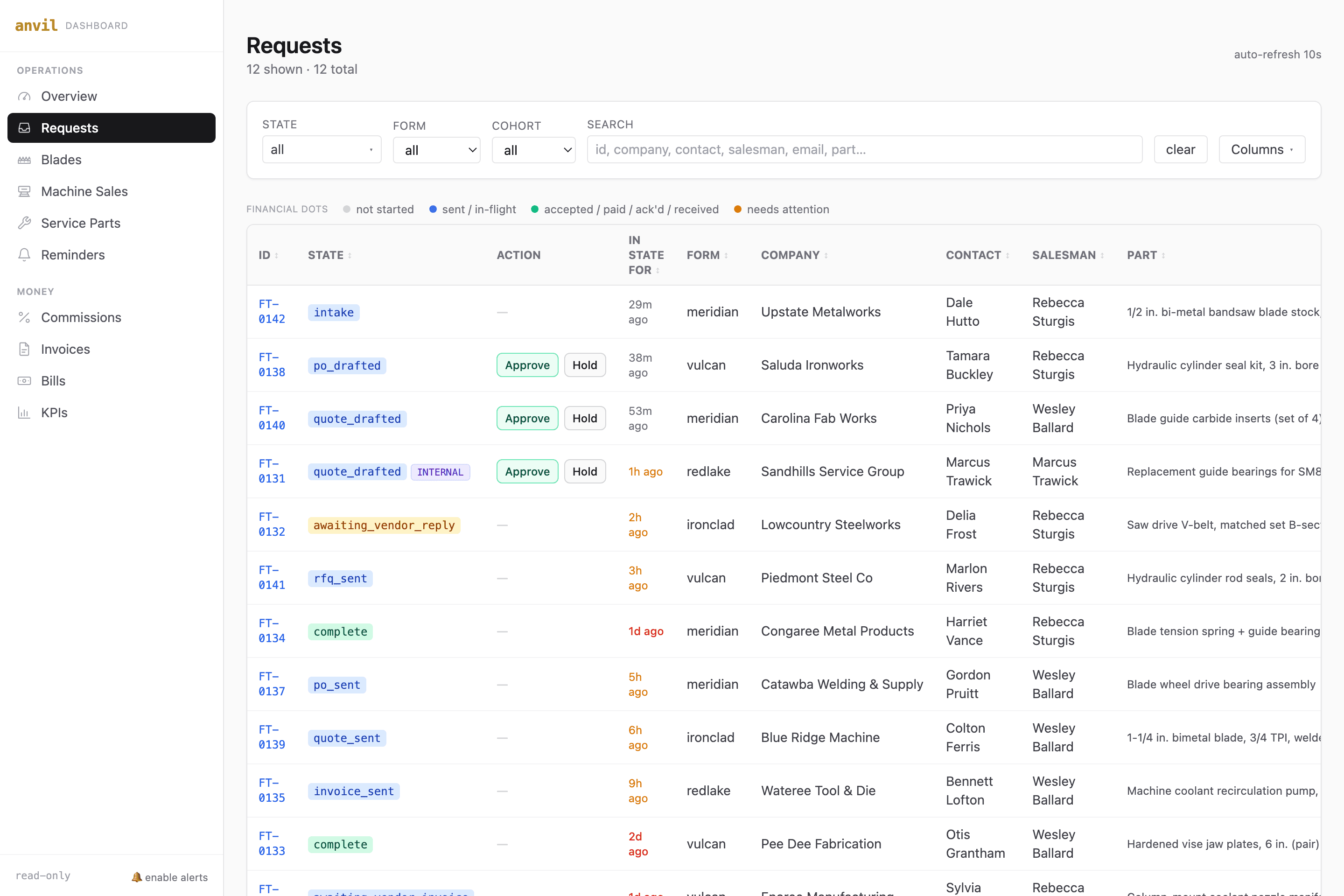
anvil.entrpy.co/requests
FabTech parts-request pipeline board showing every request and its live state
The read-only pipeline board: every parts request and its live state. Shown here with sample data.
Before
90 min avg
when a person did it by hand
After
seconds, automatic
now Jeff, the agent, runs it
Parts request, end to end

The whole intake-to-quote loop that used to occupy a person now runs on its own, with a human approving anything that leaves the building.

This keeps me from hiring somebody else.

John McDonald, CEO, FabTech Solutions
01

The problem

FabTech sells and services metal-fabrication equipment across the Southeast: bandsaws, shears, ironworkers. Every parts request kicked off the same manual chain: a customer or field tech submits a form, someone emails the vendor, the vendor emails back list pricing in whatever format they like, someone keys a QuickBooks estimate, emails the customer, and, if the customer accepts, keys a purchase order.

When the office got busy, requests got buried. It was costing FabTech more than convenience: an outside sales rep had been pulled off the road to man the parts desk, and John had an inside-sales hire on hold, betting the whole loop could be automated instead.

02

What we built

Entrpy built an automation system that runs on a machine in FabTech's own office. It watches every intake channel FabTech already had: the vendor-specific request forms, plus the parts inbox for requests that arrive as plain email. No new forms, no process change for customers.

For each request it drafts the request-for-quote to the right vendor in that vendor's expected format, then parses the reply when it lands, whether plain text, HTML estimate tables, or PDF. It applies FabTech's markup, creates the QuickBooks estimate, and notifies the customer over three redundant channels so nothing dies in a spam filter. On acceptance, it drafts the purchase order and routes it to the vendor.

Every outbound step is gated by a human go/no-go approval delivered over iMessage. Nothing reaches a vendor or a customer without an explicit yes, and silence is never treated as approval. A read-only dashboard shows the whole pipeline: every request, its state, its history.

03

The outcome

The system has processed over 160 parts requests. A request that used to wait on a busy front office now goes from intake to a parsed, priced vendor quote in minutes. The sales rep is back on the road, the planned inside-sales hire never happened, and John's weekly check on the business is a single dashboard view instead of a stack of inboxes.

I can look at that every week and say, okay, nothing fell through the cracks.

John McDonald, CEO, FabTech Solutions

The parts funnel

Every request falls through the same stack.

A request lands at the top and drops through the funnel: draft the vendor RFQ, parse the reply, price it, notify the customer, take the yes, and route the purchase order. What used to be a person keying each step now happens on its own, with a human approving anything that leaves the building.

  1. 1IntakeVendor request forms and the parts inbox, every channel FabTech already had
  2. 2Draft the RFQHuman-approvedTo the right vendor, in that vendor's expected format
  3. 3Parse the replyPlain text, HTML estimate tables, or PDF
  4. 4Price itFabTech markup applied, QuickBooks estimate created
  5. 5Notify the customerHuman-approvedThree redundant channels, nothing dies in a spam filter
  6. 6Customer acceptsSilence is never treated as a yes
  7. 7Purchase orderHuman-approvedDrafted and routed to the vendor

One request, top to bottom, in minutes. Every outbound step waits on a human yes.

What we built, on their own storefront

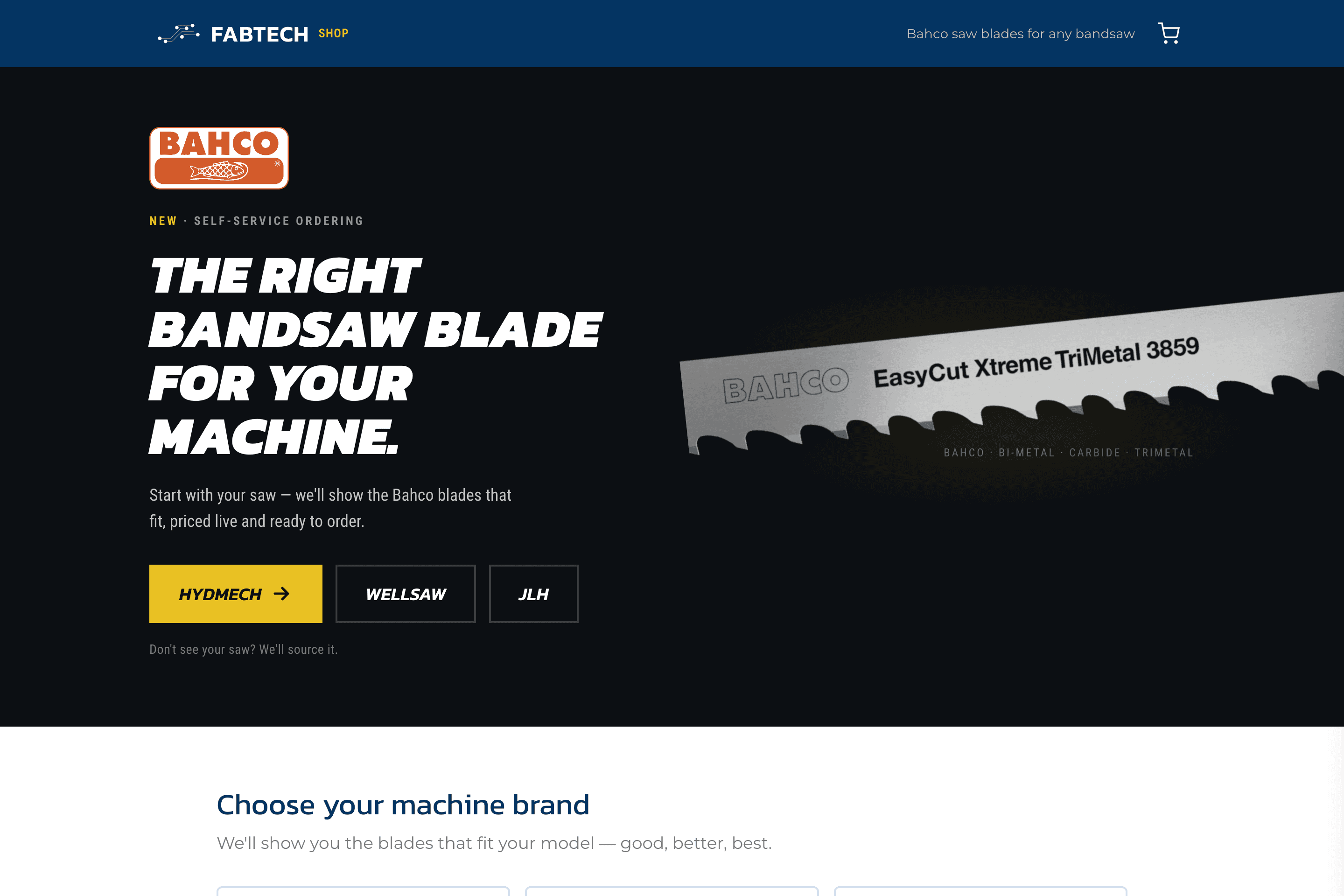
The parts pipeline is the engine. The customer-facing side is a self-service Bahco blade shop we built on FabTech's own domain: pick your saw, see the blades that fit, order at live pricing.

shop.fabtechsolutions.com
FabTech self-service blade shop at shop.fabtechsolutions.com
The self-service blade shop: start with your saw, order the blades that fit.

FieldMap: every customer on one screen

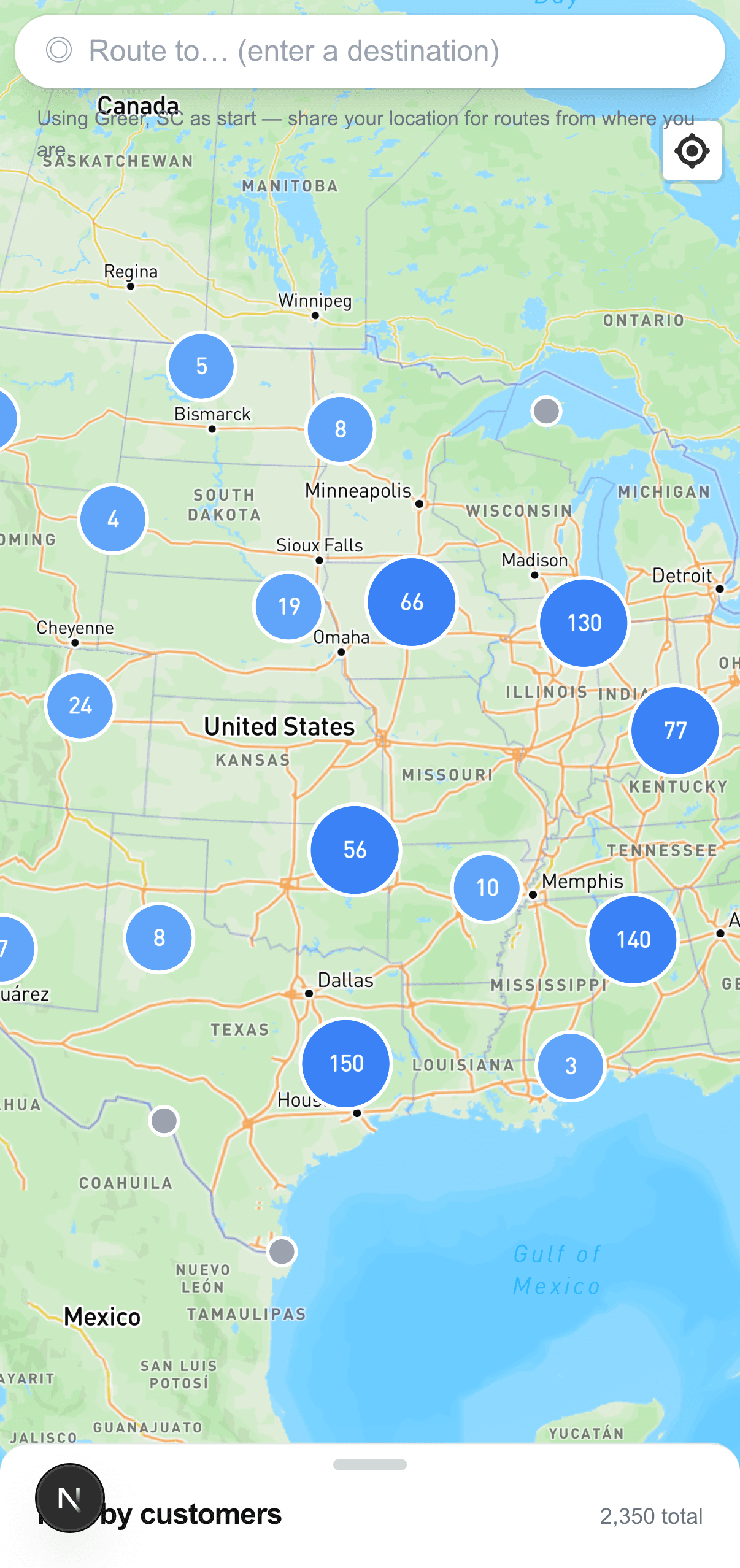
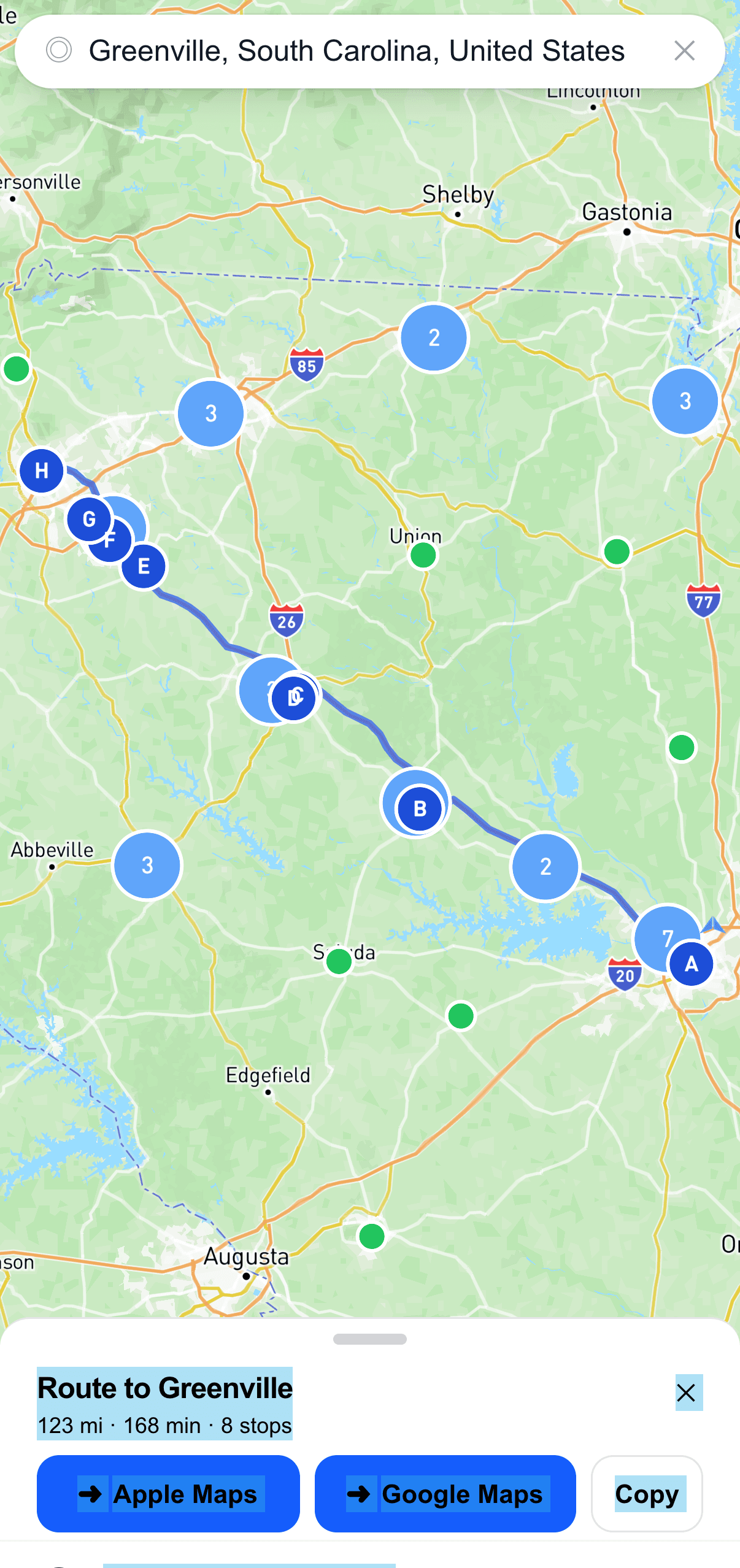
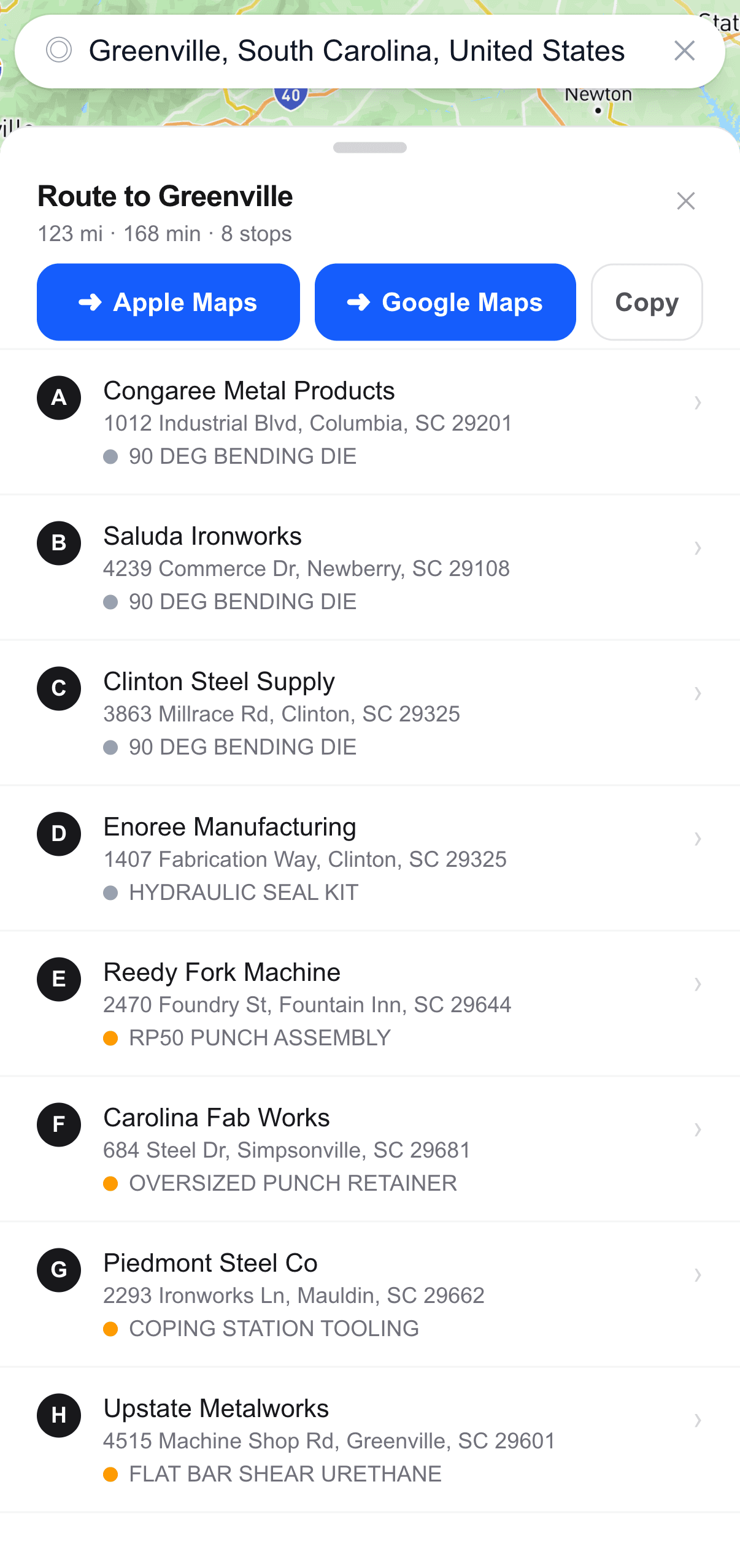
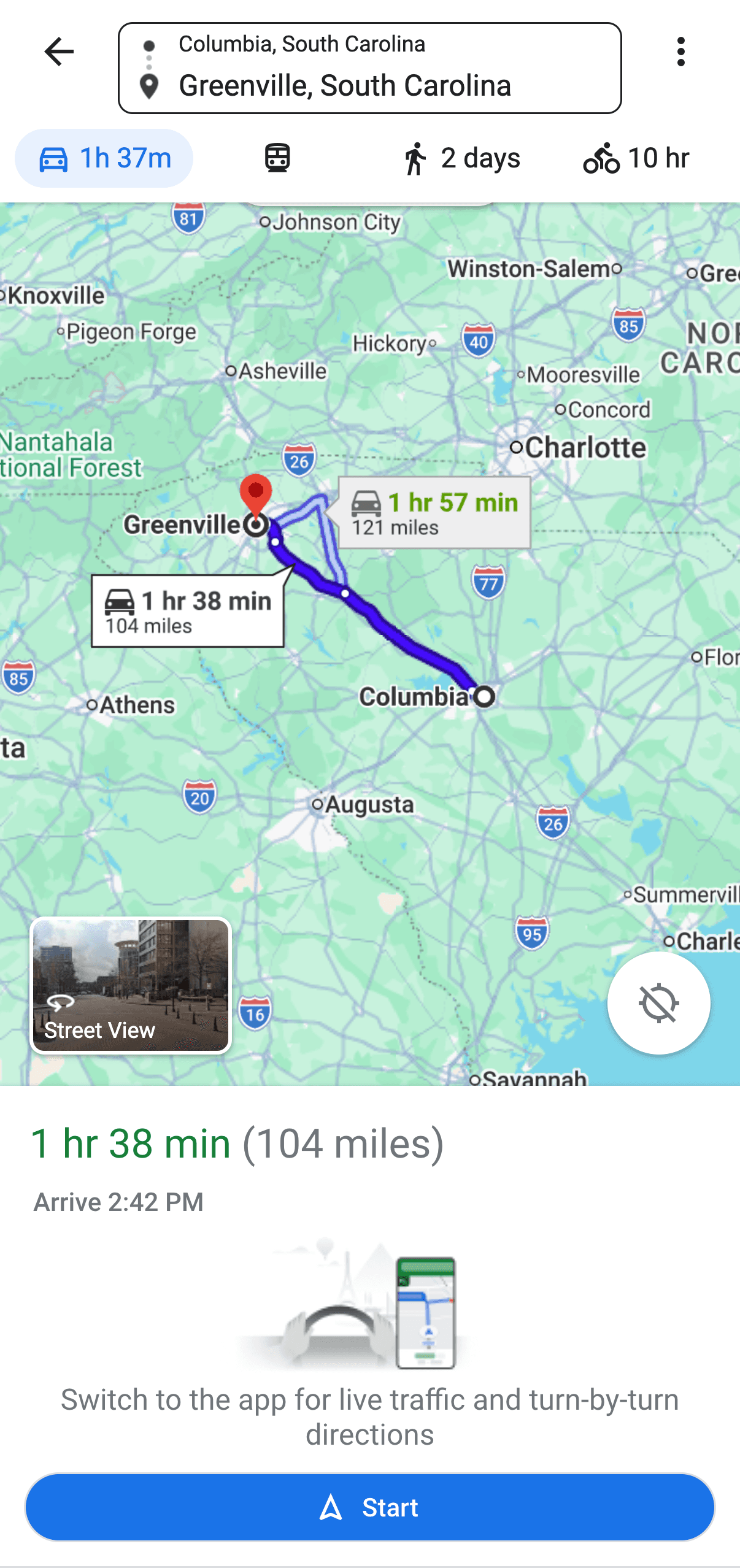
Alongside the parts pipeline, we built FieldMap: a phone-native map of FabTech's whole customer base. Reps see who is nearby, tap to call, plan a day of stops, and hand the whole route to Google Maps to drive it. It replaced a paid tool FabTech now owns outright.

FieldMap showing clustered FabTech customers across the United States
Every customer, clustered by region.
FieldMap plotting an optimized sales route through nearby customer stops
Plan the day: nearby customers, ordered into one route.
FieldMap route drawer showing the ordered list of customer stops
Swipe up for the ordered stop list, tap to call each one.
The FieldMap route opened in Google Maps for turn-by-turn driving
Send the whole route to Google Maps and drive it.

FieldMap runs on real customer data; the stops shown here use sample names.

Same bottleneck in your business?

Tell us where the work piles up. We’ll tell you what we’d build.

hello@entrpy.co